Galaxy Map
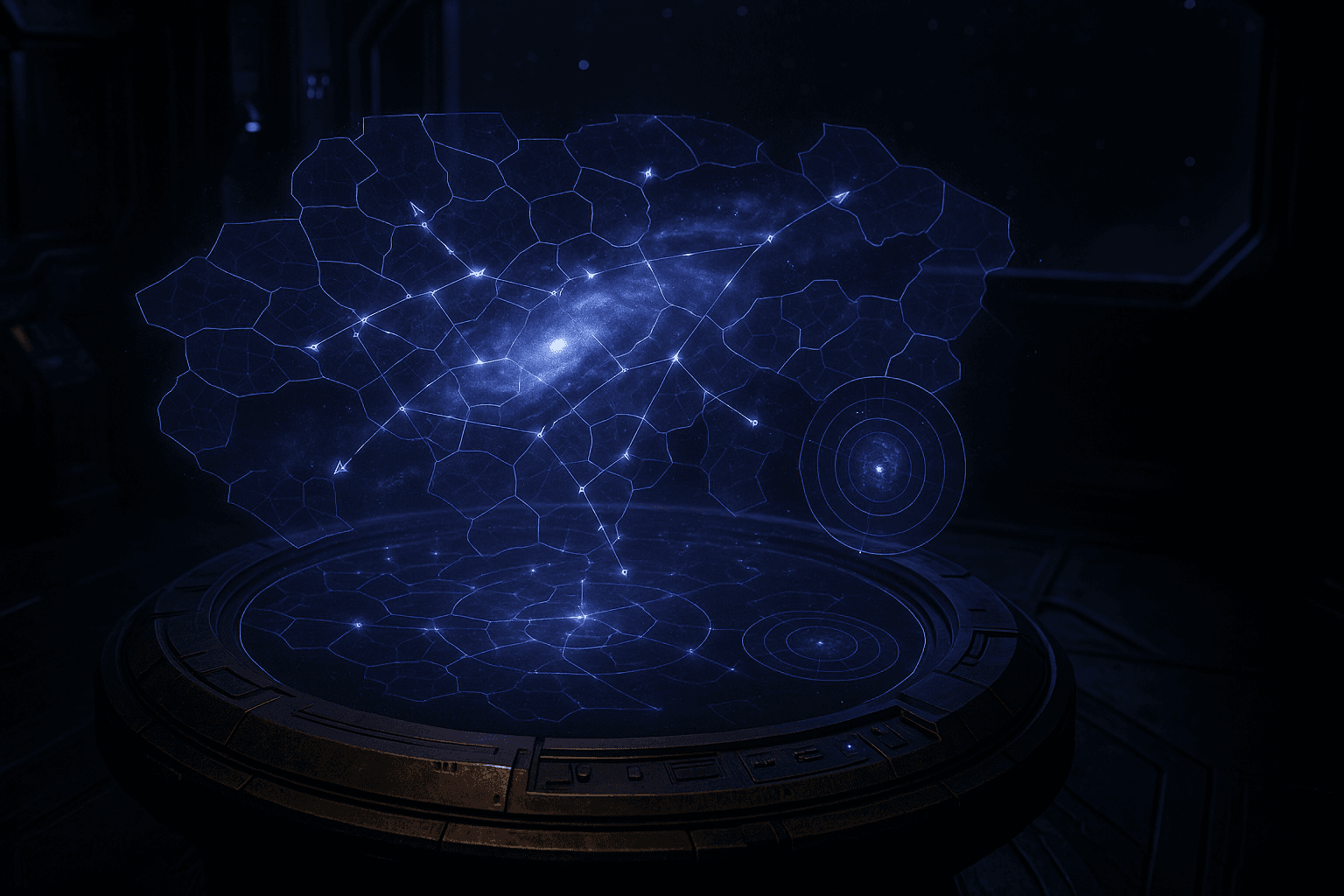
The galaxy map is your strategic command center. Every system, fleet, and border is rendered in real-time with multiple visualization modes and interactive tools.
Camera Controls
The map uses spring-based camera physics for smooth, interruptible navigation.
| Action | Input |
|---|---|
| Pan | Click and drag |
| Zoom | Scroll wheel (continuous) |
| Fly to system | Double-click a system |
| Edge scroll | Move cursor to screen edge (toggle with settings) |
Camera Bookmarks
Save up to 5 camera positions for quick recall:
| Action | Shortcut |
|---|---|
| Save position | Ctrl+1 through Ctrl+5 |
| Recall position | 1 through 5 |
Combat Camera Shake
When your fleets engage in combat, the camera shakes proportionally to the intensity of the battle. This is automatic and respects the reduced motion accessibility setting.
Minimap
A 200px strategic minimap in the top-right corner provides a bird's-eye view of the entire galaxy.
- Star dots are color-coded: your systems (blue), allied (cyan), enemy (red), neutral (gray)
- Fleet dots show traveling fleets colored by mission type
- Viewport rectangle shows your current view area
- Click or drag on the minimap to navigate instantly
- Press M to toggle minimap visibility
Map Modes
Five visualization modes highlight different strategic dimensions. Press the corresponding number key to activate (press again to return to default).
| Key | Mode | Shows |
|---|---|---|
| 1 | Default | Everything at once |
| 2 | Political | Territory by diplomatic status (allied, NAP, war, neutral) |
| 3 | Resource | Systems colored by type (metal-rich, crystal-rich, deuterium-rich) |
| 4 | Military | Fleet power numbers, sensor range circles, threat assessment |
| 5 | Trade | Active trade routes and transport lines |
Level of Detail (LOD)
The map adapts visual detail based on zoom level:
| LOD Level | Zoom Range | Details Shown |
|---|---|---|
| Galaxy | < 0.3x | Star dots, territory borders, hyperlanes |
| Sector | 0.3x - 1.0x | Star names, fleet trails, phenomena |
| System | 1.0x - 2.5x | Orbital rings, planet dots, fleet formations |
| Planet | > 2.5x | Orrery view (if system selected), planet details |
Fleet Dispatch
Dispatch fleets directly from the map without opening overlay panels:
- Right-click a system you own to see dispatch options
- Choose Quick Attack or Quick Transport (or "Send Fleet" for the full panel)
- Click the destination system - a path preview shows the route with ETA and fuel cost
- Confirm the dispatch in the floating panel
Orrery View
When zoomed to Planet LOD (> 2.5x) with a system selected, the map transitions into an orrery view showing:
- Concentric orbit rings for each planet
- Planet sprites with type-specific textures (rocky, gas giant, ice world, etc.)
- Orbiting moons and docked stations
- Build queue progress arcs (green = buildings, blue = ships)
- Resource production indicators
Click a planet in the orrery to open its management panel.
Territory Borders
Territory is rendered using Voronoi tessellation with organic noise-displaced edges:
- Your territory glows blue-violet, enemies glow red, contested areas pulse amber
- Borders between different owners pulse with a soft glow
- Contested borders flicker between the two owner colors
- New territory claims animate outward from the system center